背景
从cursor切换到zed的一些配置技巧
快捷键
file finder
Open key map settings–> 找到 file finder, 改为alt shift + R
关掉2个shift就弹窗
Open key map settings–> edit in json –>add below:
  {
    "context": "Editor",
    "bindings": {
      "shift shift": null
    },
  },
ai llm proxy
open settings –> AI —> llm providers –> add provider –> add open ai compatiable
codegraph
安装:https://github.com/colbymchenry/codegraph
npm install -g @colbymchenry/codegraph
cd to your project
codegraph init
配置mcp: for zed:
"context_servers": {
    "Codegraph": {
      "enabled": true,
      "remote": false,
      "command": "codegraph",
      "args": ["serve", "--mcp"]
    }
}
rtk
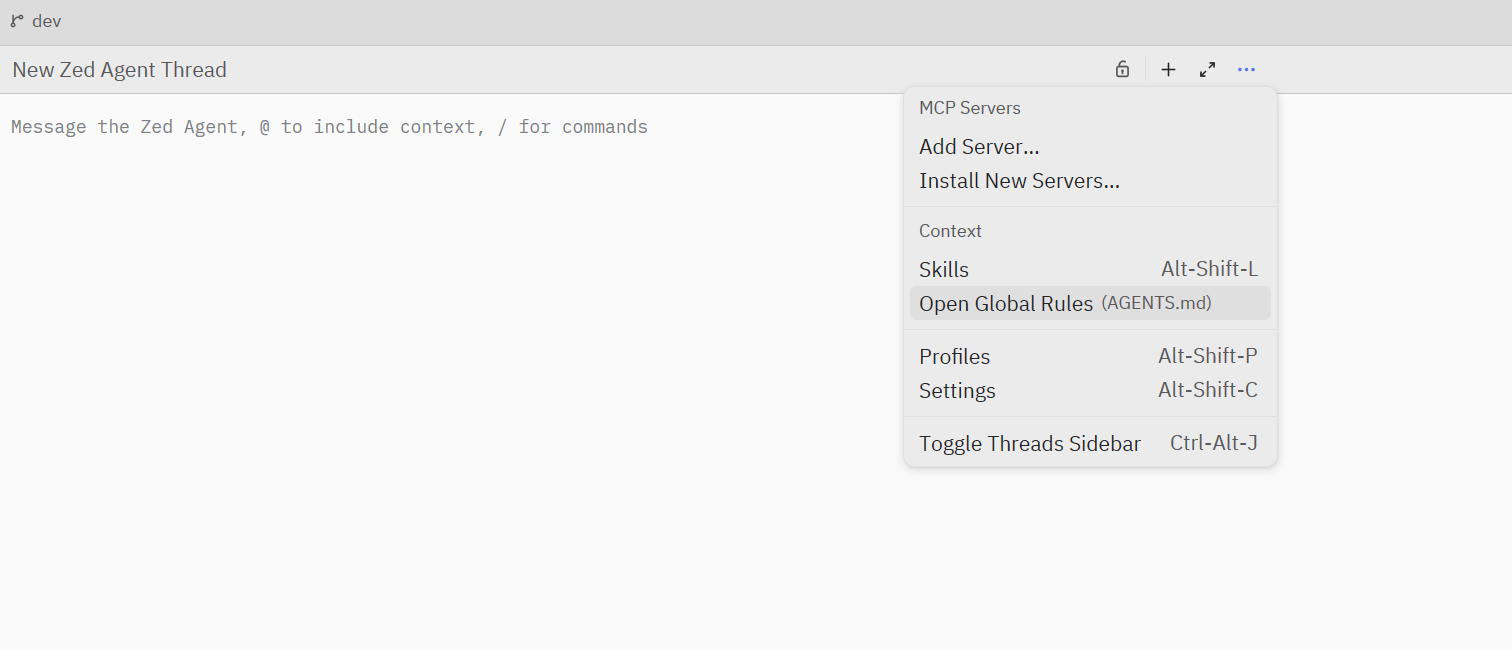
skills for UI
web-design-guidelines —用于查看和review ui相关规范
npx skills add vercel-labs/agent-skills --skill web-design-guidelines -g -y
ui-ux-pro-max 用于前端页面与组件的设计、配色、排版、交互和可视化方案
npm install -g ui-ux-pro-max-cli
uipro init --ai all